Troubleshooting guide
Paperless-ngx Task Queue Stuck: Clear the Consume Queue Safely
Category: Document Workflow
Check the task state first
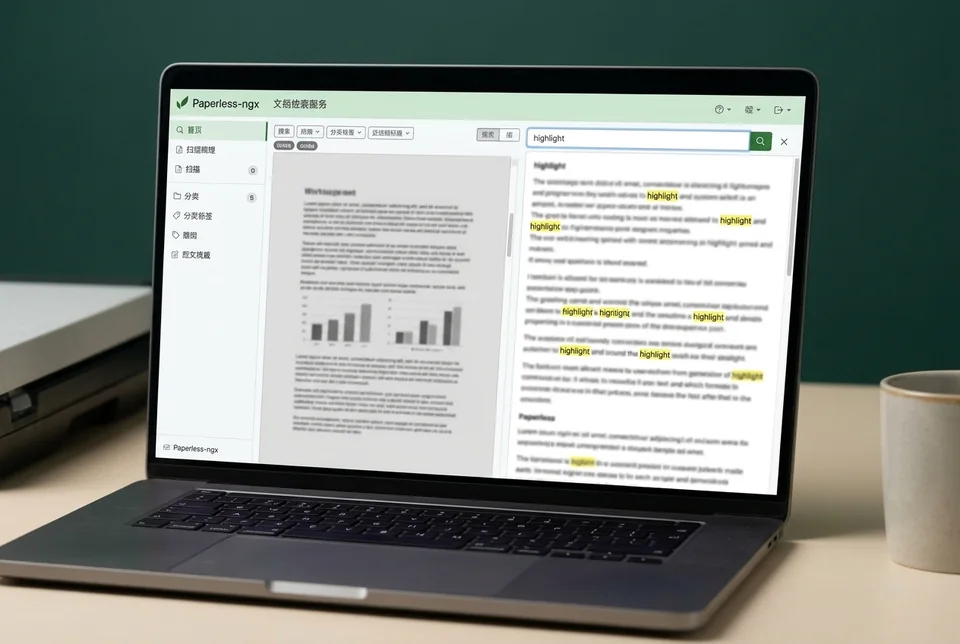
You imported a file into your Docker watched volume, and now it stays in the consume queue without becoming a searchable document. Before changing anything, open the Paperless-ngx web UI and go to the tasks view. Find the consume task and read its status and last message. If it shows pending or started with no progress for several minutes, the worker is not processing it. If it shows failure, note the exact error text; that tells you whether the problem is the file, permissions, or the worker itself.
Inspect the worker and the file
Run docker compose ps and confirm the webserver and consumer containers are both up. Then run docker compose logs --tail=100 consumer and look for repeated retries or a traceback. Next, check the file in the watched volume: run ls -l on the import folder and confirm the file is readable by the container user. A file with no read permission or an unsupported extension will sit in the queue indefinitely. This is the most common cause of a paperless ngx task queue stuck state.
Verification test
Place a small, known-good PDF into the watched volume and watch the tasks view. If that file becomes searchable within a minute, the worker is healthy and the original file is the problem. If it also stalls, restart the consumer container with docker compose restart consumer and repeat the test.
Rollback and recovery
If a restart does not clear the queue, stop the consumer, move the stuck file out of the watched volume, and start the consumer again. Once the queue empties, re-import the file after fixing its permissions or format. If you need a guided diagnosis,