Troubleshooting guide
Paperless-ngx Consumer Service Restart: Clear a Stuck Consume Queue Safely
Category: Document Workflow
Your watched import volume accepted a file, but it still sits in the consume queue and never appears as a searchable document.
Confirm the Queue Is Actually Stalled
First, check the Paperless-ngx dashboard or the consume queue view. A file that has been waiting for more than a few minutes with no progress is stalled. Next, inspect the consumer container logs for repeated errors, such as permission denied, unsupported file type, or a database lock. If the logs show a clear error, fix that cause first; a restart will not resolve a permissions or format problem.
Perform a Controlled Restart
If the logs show no clear error and the queue is idle, restart only the consumer service rather than the whole stack. Use your Docker Compose service name for the consumer, for example: docker compose restart webserver. This is the paperless ngx consumer service restart step. Wait for the container to report healthy, then return to the queue view. A healthy restart should begin processing the waiting file within a minute or two.
Verification Test
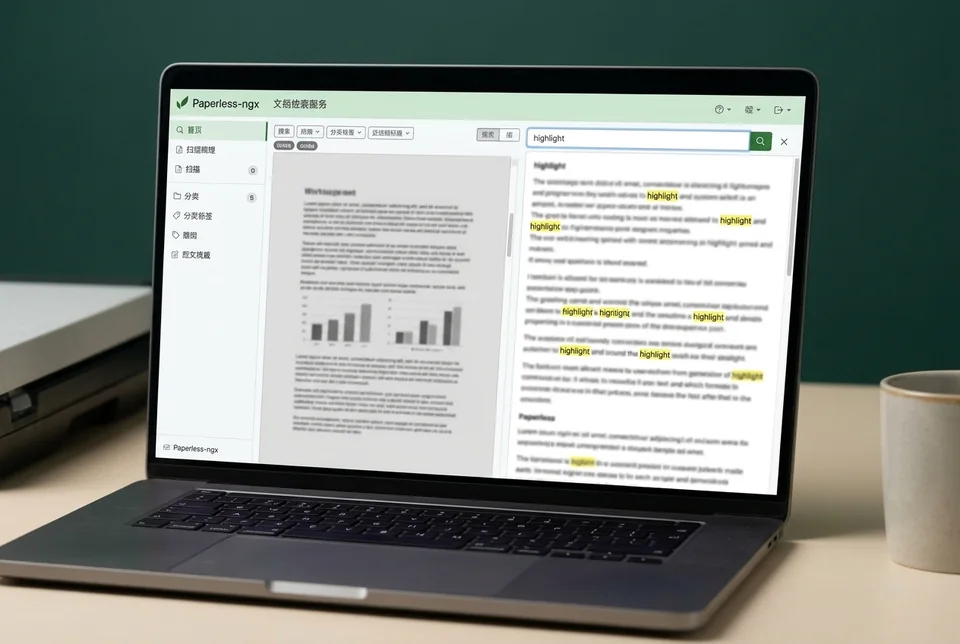
After the restart, watch the queue. The file should leave the queue and appear in Documents with searchable text. Open the document and search for a word you know is inside it. If the file remains queued, stop and collect the consumer logs before trying anything else.
Rollback and Recovery
If the restart does not clear the queue, do not delete the original file. Move it out of the watched volume, confirm the queue is empty, then place a copy back to retry. Keep the original until the document is searchable. If the queue still stalls,
Ask for help with your logs and compose configuration.