01
The file never leaves consume
A PDF or image sits in the consume folder while the dashboard shows no new document.

THE THREE FAILURES WE SEE
01
A PDF or image sits in the consume folder while the dashboard shows no new document.
02
The document appears, but search cannot find its text or the OCR layer is garbled.
03
The correct correspondent or tag exists, but a known phrase returns no result.
HOW WE TEST
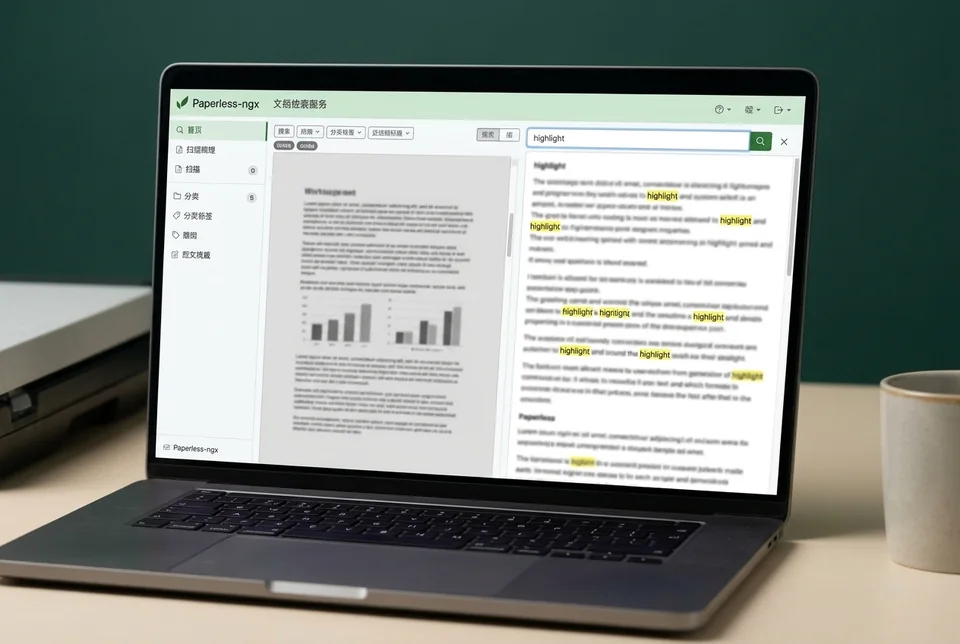
SERVICE SCOPE
The session covers one agreed device and one verified path. Anything outside the written scope is quoted separately before work starts.
FAQ
No. The test uses one sample and leaves existing documents untouched.
The container may lack the language pack, the file may be image-only, or the task may have stopped before OCR. The task log distinguishes these.
Basic matching rules can be reviewed, but this session focuses on a working import, OCR, and search path.
NEXT STEP
Send the device, software, exact symptom, and what you have already tried. We will confirm scope and a fixed quote before booking.
No passwords. A real reply comes from [email protected].
FROM THE BLOG
Fix Paperless-ngx Docker volume permission errors when the container cannot read the import volume or write the document store. Step-by-step checks and verification.
Troubleshoot Paperless-ngx when files in the watched import folder are ignored. Check Docker volume paths, permissions, and the consume directory to restore automatic imports.
Troubleshoot a Paperless-ngx PDF that imports but has an empty text layer. Check OCR language, image quality, and Docker volume permissions, then verify search and recover safely.
A file remains in the consume queue and never becomes searchable in Docker. Learn how to diagnose and use a paperless ngx consumer service restart to clear the stuck queue.
Fix Paperless-ngx upload permission denied errors in Docker by checking UID/GID ownership, volume mounts, and write access to the document store, then verify with a test file.
A file remains in the Paperless-ngx consume queue and never becomes searchable. Diagnose the Docker watched volume, permissions, and consumer logs to restore processing.
Fix Paperless-ngx when a watched PDF imports but OCR leaves an empty text layer. Check OCR language, image resolution, and run a controlled verification test.
Troubleshoot paperless ngx duplicate documents when re-importing the same file into a Docker watched volume. Check checksums, consumer settings, and verify the fix.
Troubleshoot Paperless-ngx email import when the mail rule runs but messages or attachments never reach the inbox. Step-by-step checks, verification test, and recovery note.
Files in your Docker watched folder are ignored? Follow these checks to confirm the volume mount, permissions, and consumer status, then verify with a test file.